Guide 6
Post a trade
Turn items from your stash into a ready-to-paste post for d2jsp, diablo2.io, or Traderie.
Once an item is in your stash, turn it into a ready-to-paste trade post without retyping anything.
Select items and create the post
In your stash, click the checkbox on one or more item cards, then click Create Post.
Choose where you are posting
With one item selected, three tabs are available, one per site, and only the selected tab's preview is shown at a time. Selecting more than one item narrows this to the d2jsp tab only, since the other two are single-listing forms.
d2jsp
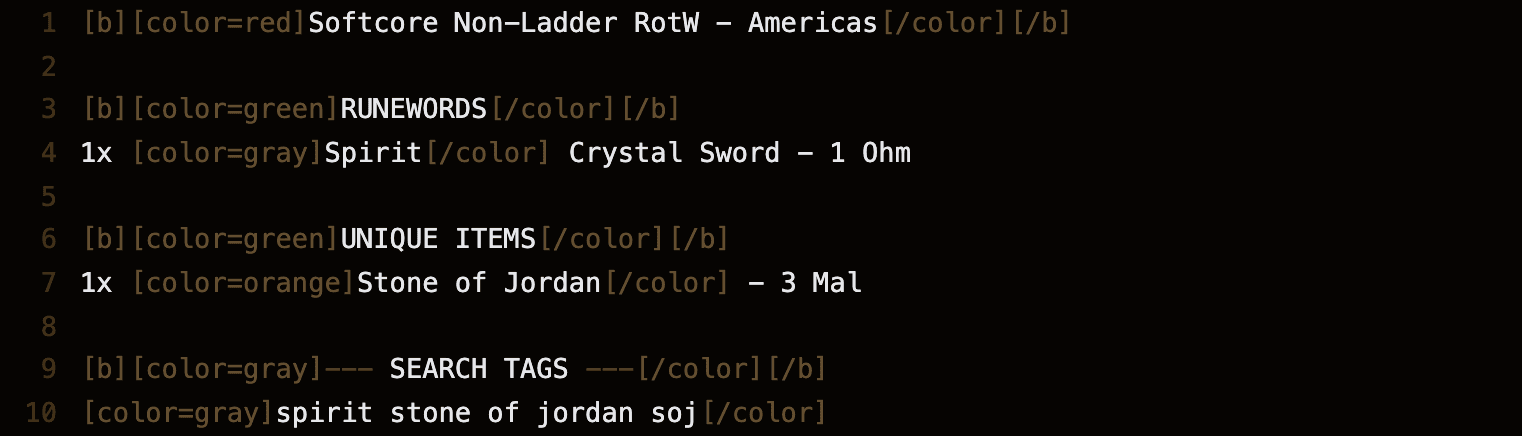
d2jsp builds a complete BBCode post from every selected item, grouped by category, with a line-numbered preview. "Copy & Post to d2jsp" copies that BBCode to your clipboard and opens d2jsp's own posting page in a new tab, ready to paste into.
diablo2.io
diablo2.io, with a single item selected, lays out the same details as structured fields instead of BBCode. The Open diablo2.io button (it carries a small external-link mark) opens their posting page in a new tab.
Traderie
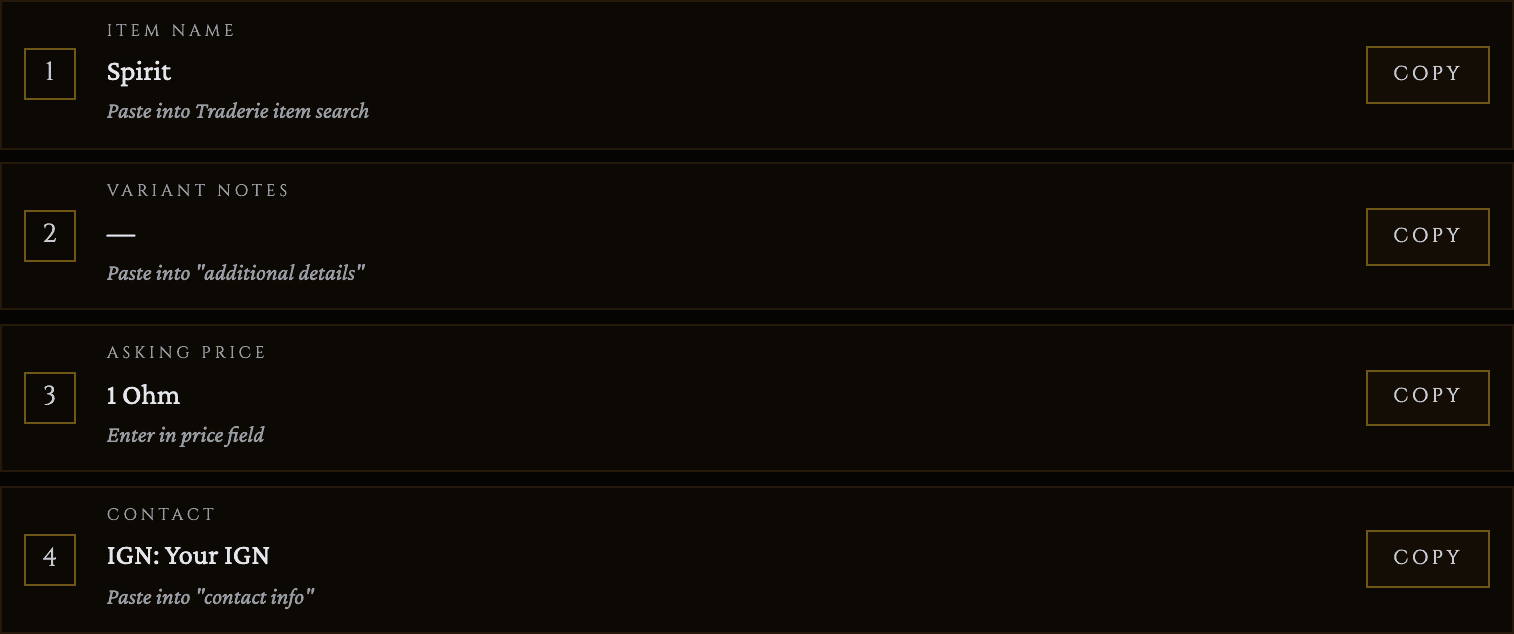
Traderie does not support prefilling a listing from a link, so this tab is a walkthrough instead: a short, numbered list of fields (item name, variant notes, asking price, and your contact info) with its own copy control next to each one. The Open Traderie button opens their listing form in a new tab so you can paste each field in.
Try it with your own loot
Start free and save your first item in about a minute.