1
Sign in with Discord or Google
We never see your password. Sign-in goes through Discord or Google directly. Only your public identity comes through to create your account.
Season 15 Ladder · Aug 21 · Free Now
Check what your Diablo II: Resurrected items are worth, track your stash for Season 15 Ladder, and share trade-ready links. Start with a free public price check or create an account to keep your finds organized.
For Diablo II: Resurrected players
Sanctuary Stash is a Diablo II: Resurrected item price checker and stash tracker for players who find gear, manage characters and mules, and trade across marketplaces, forums, communities, or in-game. Check an item before you list or offer it, keep the details organized in your stash, and share only the trade-ready links you choose.
Start with a free public price check, then create an account when you want saved stash tracking, market context, and a repeatable price-to-trade workflow.
If Discord is part of your trading workflow, see how Sanctuary Stash works in Discord when you are ready to take a price check into a trade conversation.
See It In Action
How It Works
We never see your password. Sign-in goes through Discord or Google directly. Only your public identity comes through to create your account.
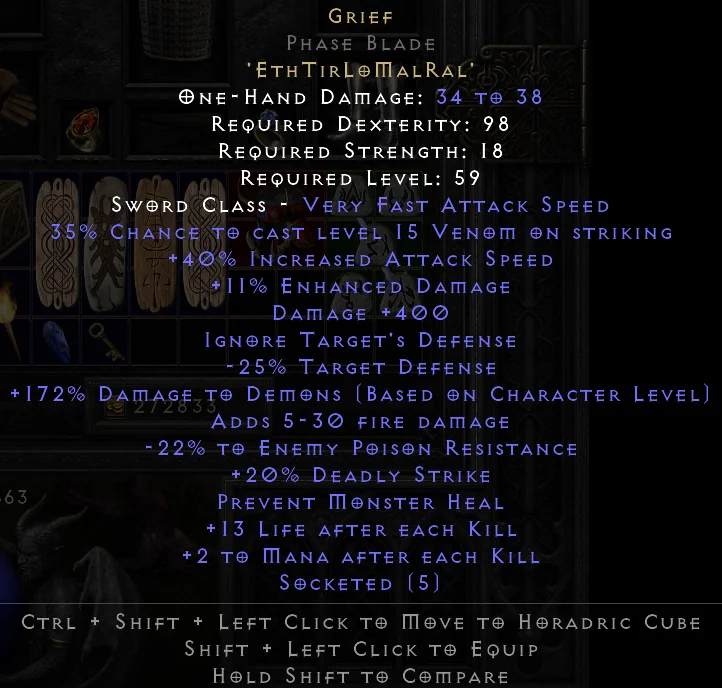
Scan item screenshots or enter items manually. Your stash, profiles, and valuations all live under your account. That's what makes them yours.
Get market context on every item, organize across profiles, and share public trade links you control. Everything private stays private by default.
What's Live Right Now
Profiles, states, and trade prep
FG ranges with evidence labels
Screenshot to structured item
Share only what you choose
A clear handoff wherever you trade
Linked identity, not replacement auth
Inside the App
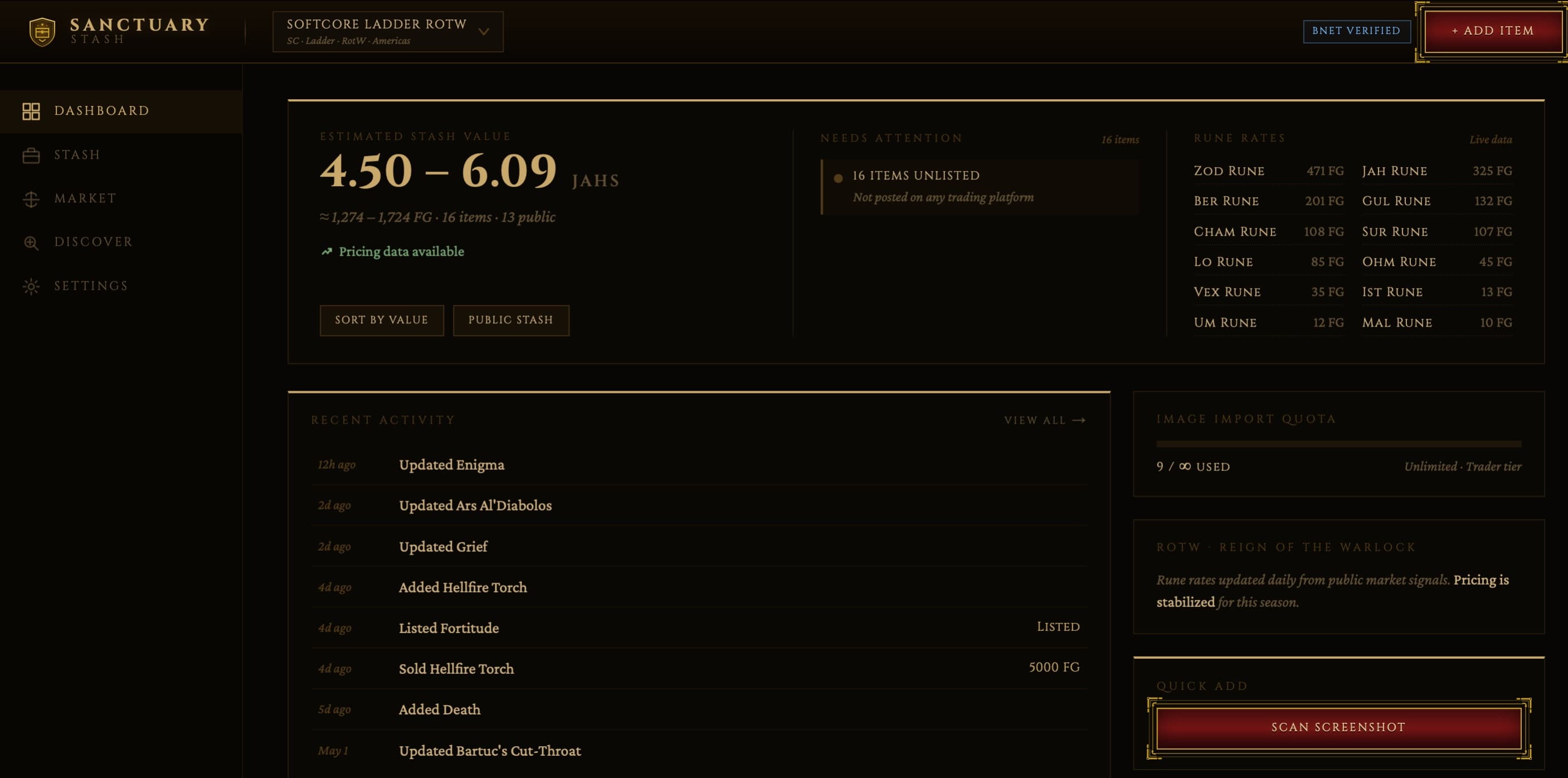
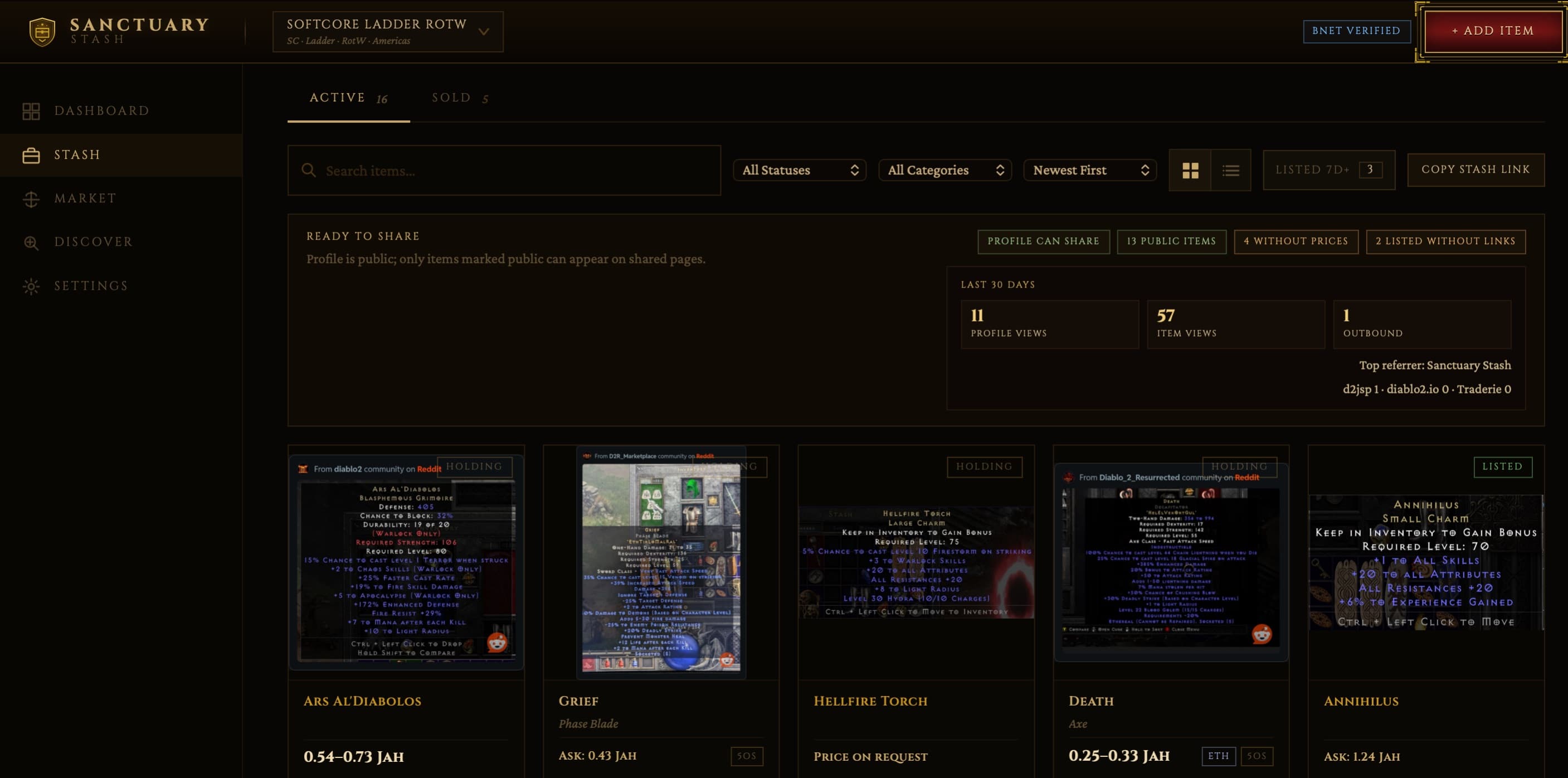
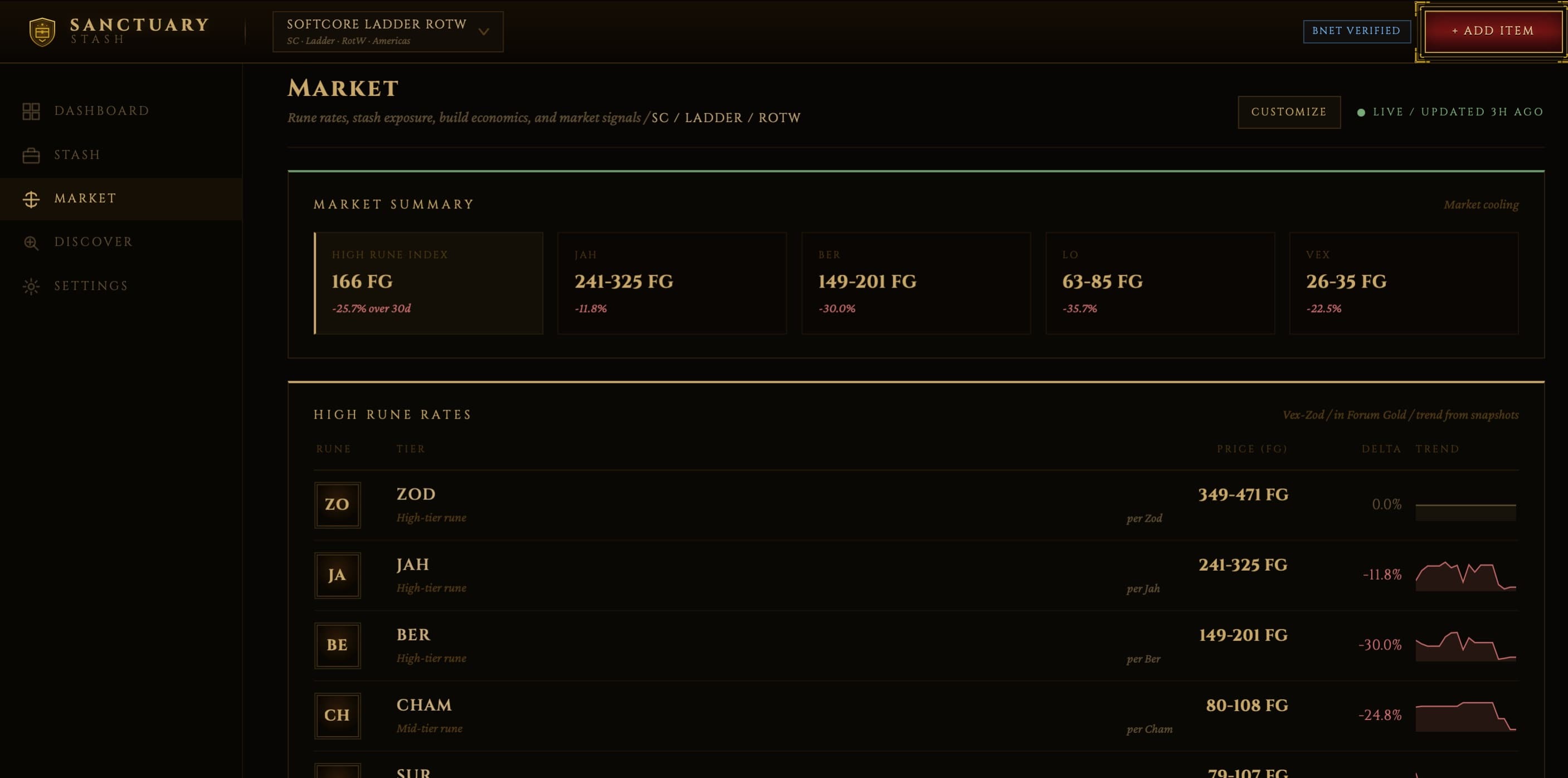
Now on iOS
Sanctuary Stash is available on the App Store. Scan items, check prices, and manage your stash from your phone. Same account, same data, no sync needed.
Free to Start · Paid Plans Live
Start with stash tracking, manual entry, starter scans, public item links, and market-aware pricing context.
Upgrade for heavier scan volume, unlimited valuations, price alerts, Discord alerts and stash commands, plus multi-profile tracking.
Step up for heavier stash operations, bulk post composition, analytics, unlimited profiles, and advanced trade tooling.
FAQ
No. Anyone can use the public price check or browse live RotW price pages, no sign-in required. Paste stays free, screenshot checks are capped for anonymous visitors, and an account adds saved stash tracking, higher limits, and trade links. Sign-in takes seconds via Discord or Google and we never see your password.
You upload a screenshot, Sanctuary Stash extracts item details, and you review the result before saving. Scan review is a correction step, not magic autopilot.
Each range reflects how much real market evidence sits behind it. Thin data, older comps, or listing-heavy evidence are still useful. The page says so clearly rather than hiding it.
Yes. You can share opted-in public profiles and items. Private stash data stays private unless you explicitly publish it.
Account identity, item data, scans, public links, and billing records are handled under the privacy and legal pages linked below.
Yes. Sanctuary Stash is free to start on web and iOS. Hunter or Trader subscriptions are available through Stripe on web or the App Store on iOS when you need higher limits and more trade workflow tools.
Yes. Use Sanctuary Stash to check a find, organize its details, and share public item or stash links wherever you trade. Discord adds optional /price, /stash, and /lfg workflows; private stash details stay private.
No. Casual ladder players can use it to check a find, organize a stash, and prepare trade-ready item details for the marketplace, forum, community, or in-game conversation where they trade. Discord tools are optional.